
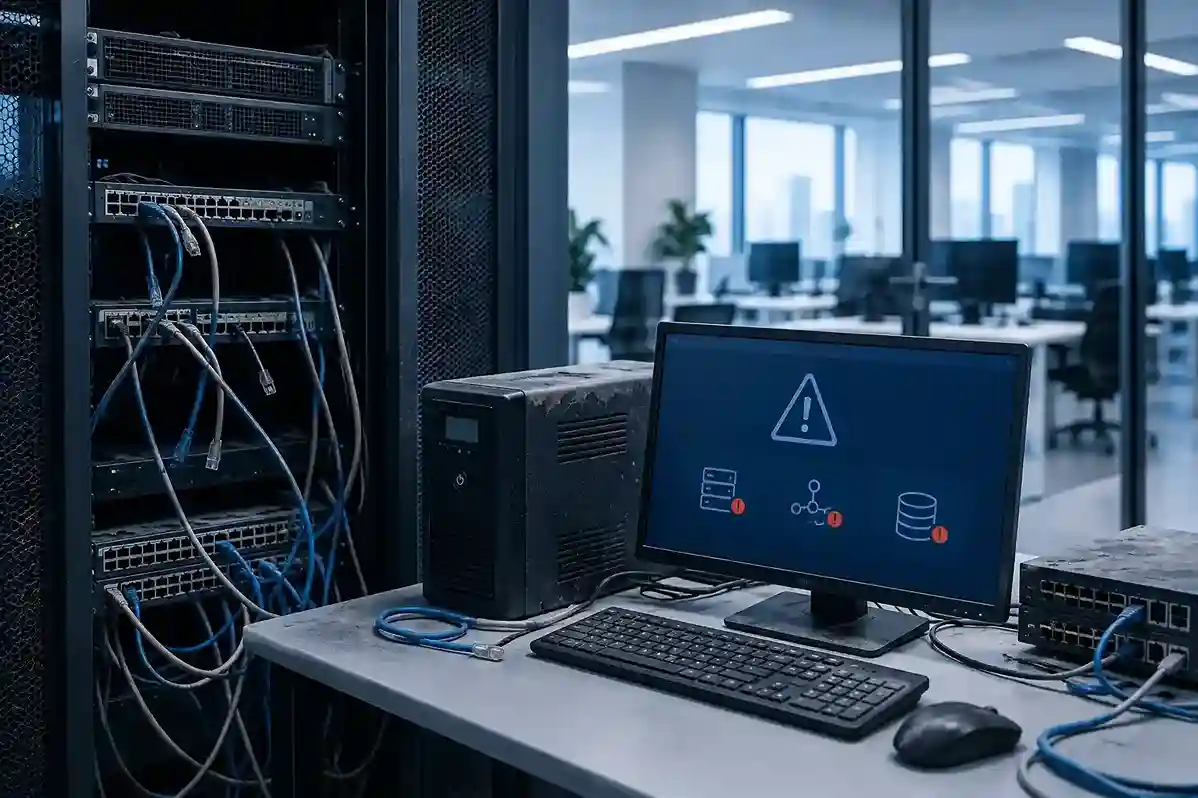
Imagine your business has been running for six months without a proper IT health check. Nothing appears seriously wrong. Employees can access their applications, emails are working, the internet is available, and the servers are still running.
So, is everything actually fine?
Not necessarily.
When businesses skip IT maintenance for six months, small unresolved issues can accumulate across computers, servers, networks, security systems, software, backups, and other infrastructure. The biggest danger is that these problems often remain invisible until they cause downtime, security exposure, performance degradation, or an expensive failure. For businesses searching for IT AMC Dubai solutions, this is exactly the risk that proactive maintenance is designed to prevent.
IT maintenance is not simply about fixing equipment after it stops working. It is about continuously checking the health, security, performance, configuration, and reliability of business technology before problems become operational disruptions.
What Happens When IT Maintenance Is Ignored for Six Months?
When scheduled maintenance is skipped, IT systems do not automatically remain in the same condition. Software changes, security vulnerabilities emerge, storage fills, hardware ages, configurations drift, and users introduce new devices and applications.
Over six months, several layers of risk can quietly build up.
1. Small Performance Issues Become Bigger Problems
A computer that takes slightly longer to start may not seem important. A server with gradually increasing storage utilization may not trigger concern. A network switch showing occasional errors may simply be ignored.
But these warning signs can indicate deeper problems.
Without regular IT system monitoring, businesses may miss:
- Increasing server resource consumption
- Storage capacity approaching critical levels
- Hardware health deterioration
- Network performance degradation
- Application compatibility issues
- Recurring endpoint errors
- Unusual device behavior
By the time employees start complaining about slow systems, the underlying issue may already require more time and money to resolve.
2. Security Gaps Can Accumulate Silently
One of the most serious consequences of skipping IT maintenance is the gradual expansion of your security exposure.
Security is not something that can be installed once and forgotten.
Operating systems require patches. Applications need updates. Firewall configurations require review. User permissions change. Employees join and leave organizations. Devices are added and removed from networks.
If these activities are neglected for six months, your business may end up with:
- Unpatched systems
- Outdated applications
- Unreviewed user permissions
- Unsupported software
- Weak device configurations
- Outdated firewall rules
- Unmonitored endpoints
A system can therefore appear operational while becoming increasingly difficult to defend.
For businesses that need stronger protection, cybersecurity services in Dubai can be integrated into a broader IT maintenance strategy rather than treated as a completely separate responsibility.
3. Hardware Problems Become Harder to Predict
IT hardware rarely provides a convenient warning before failure.
A server disk, power supply, workstation, switch, UPS, or storage component can deteriorate gradually before eventually failing.
Six months without professional maintenance means there may have been no structured review of:
- Hardware health
- Device age
- Disk status
- Temperature and ventilation
- Storage capacity
- UPS condition
- Warranty status
- Replacement requirements
This creates a dangerous situation where the business discovers an aging component only when it stops working.
Regular IT infrastructure management helps businesses identify infrastructure weaknesses before they become urgent incidents.
4. Network Configuration Can Slowly Drift
Business networks are rarely static.
New employees join. Devices are replaced. Wi-Fi access points are added. Printers move. Applications change. Internet requirements increase. Security rules are modified.
If nobody reviews the environment regularly, the network can gradually become inconsistent.
This may result in:
- Unused configurations remaining active
- Incorrect device settings
- Network bottlenecks
- Poor Wi-Fi performance
- Unnecessary open ports
- Configuration inconsistencies
- Difficult troubleshooting
The network may continue working, but it becomes increasingly difficult to manage and troubleshoot efficiently.
Businesses can use professional network support services to maintain network performance and identify configuration issues before they affect employees.
5. Backups May Exist, but Are They Actually Recoverable?
This is one of the most overlooked questions in IT maintenance.
A business may believe it is protected because its backup software is running. But a successful backup notification does not automatically prove that the business can recover its data when required.
After six months without proper review, businesses should ask:
Are backups completing successfully?
Can critical files actually be restored?
Is backup storage sufficient?
Are old recovery points available?
Are critical servers included in the backup policy?
A maintenance program should therefore include regular backup verification and recovery checks, not merely assume that backup jobs are working.
6. IT Documentation Becomes Outdated
Your IT environment six months ago may not be the same environment you have today.
New computers may have been installed. Employees may have changed roles. Network devices may have been replaced. Software may have been added. Configurations may have changed.
If documentation is not maintained alongside these changes, your IT records gradually become unreliable.
That can make troubleshooting much slower because technicians may need to rediscover:
- Which devices are connected
- How systems are configured
- Which servers support critical applications
- Which network equipment handles specific connections
- What needs to be restored during an incident
Good maintenance therefore protects not only technology, but also operational knowledge.
Why “Everything Is Working” Is a Poor Maintenance Strategy
The biggest mistake businesses make is treating the absence of a visible failure as proof that maintenance is unnecessary.
Reactive IT works like this:
Something breaks → employees complain → IT investigates → emergency repair → business resumes.
The problem is that this model only responds after the business has already experienced disruption.
Preventive IT maintenance follows a different cycle:
Monitor → inspect → identify warning signs → maintain → optimize → document → prevent failure.
That difference matters.
The goal is not to wait for a server, network, endpoint, or security system to fail. The goal is to identify conditions that could eventually cause failure and address them while there is still time to plan.
What Should Happen After Six Months Without IT Maintenance?
If your business has gone six months without structured IT maintenance, don’t immediately start replacing equipment.
Start with an IT health assessment.
A professional assessment should review:
Infrastructure Health
Check servers, storage, workstations, network devices, UPS systems, and other critical equipment.
Security Posture
Review patch levels, endpoint protection, firewall configurations, access permissions, and potential vulnerabilities.
Network Performance
Examine connectivity, device configurations, bandwidth utilization, Wi-Fi performance, and potential bottlenecks.
Backup and Recovery
Verify backup status, retention, storage capacity, and whether critical data can actually be restored.
Software and Licensing
Identify outdated applications, unsupported software, licensing issues, and configuration inconsistencies.
IT Asset Condition
Document equipment age, warranty status, performance condition, and upcoming replacement requirements.
Maintenance Priorities
Separate issues into immediate risks, medium-term improvements, and planned upgrades instead of treating everything as an emergency.
How IT AMC Services Prevent the Six-Month Maintenance Gap
This is where IT AMC services become valuable.
Instead of waiting several months before someone checks your infrastructure, a structured Annual Maintenance Contract creates an ongoing maintenance cycle.
CubeZix provides IT AMC services in Dubai that combine proactive monitoring, preventive maintenance, remote and on-site support, infrastructure assessment, backup and recovery support, cybersecurity, and ongoing technical management.
The objective is simple: identify IT problems before they become business problems.
Don’t Wait Another Six Months to Check Your IT
The most expensive IT problems are often not the problems you can see today. They are the problems quietly developing underneath systems that appear to be working normally.
If your business has skipped IT maintenance for six months, the right question is not:
“What has failed?”
It is:
“What is becoming a risk that we haven’t discovered yet?”
CubeZix can assess your existing IT environment, identify maintenance gaps, prioritize risks, and build a proactive support strategy around your business requirements.
Request an IT assessment from CubeZix today and move from reactive IT troubleshooting to proactive IT maintenance with a structured IT AMC plan.