
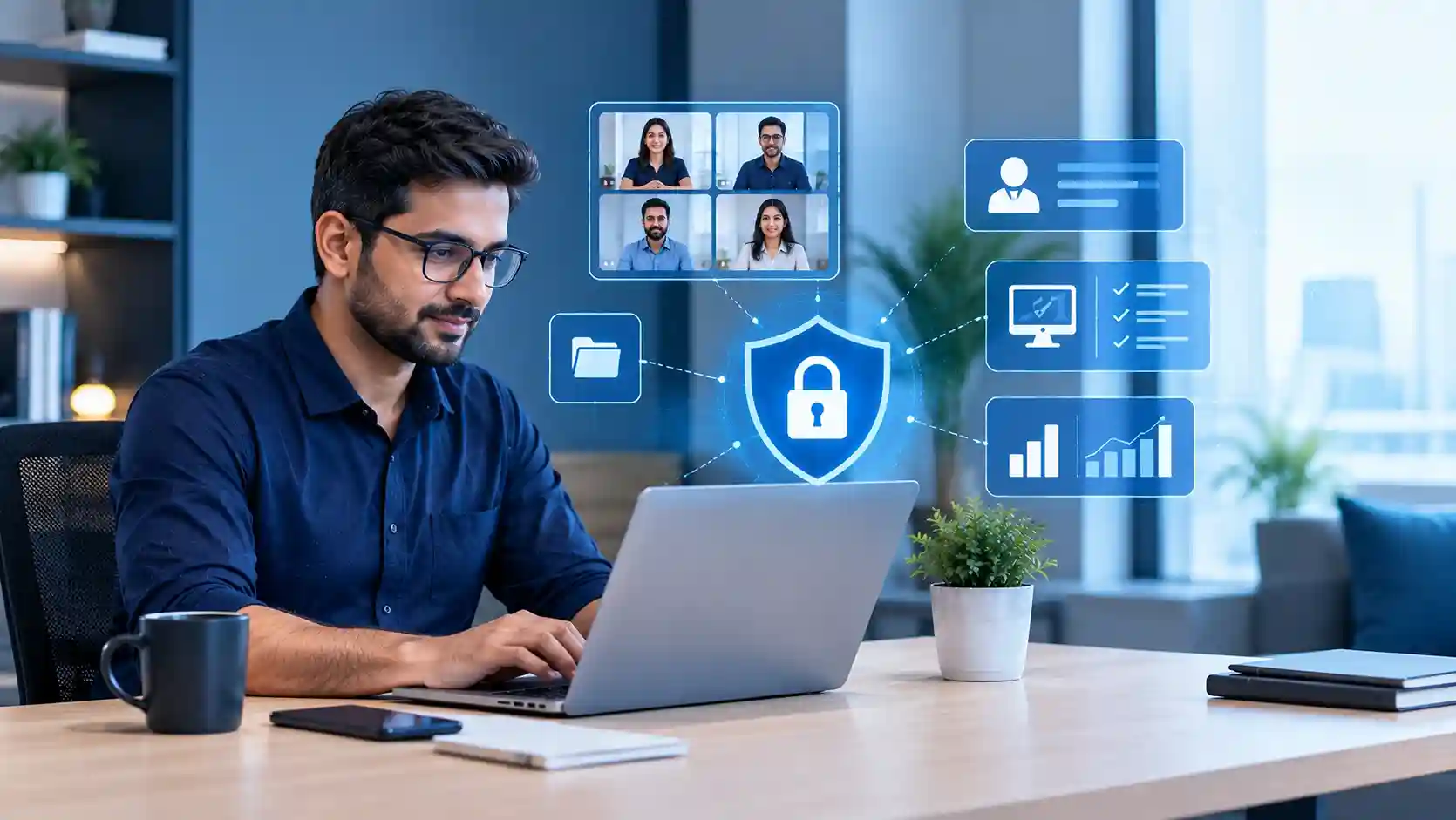
Remote employee monitoring should focus on protecting company devices, accounts, applications and data—not watching every action an employee takes. Businesses can securely manage remote teams by monitoring device health, login activity, security alerts, access permissions, software compliance and business-system usage while avoiding unnecessary surveillance such as constant screen recording, webcam monitoring or indiscriminate tracking of personal activity.
The best approach is to monitor risk and system activity rather than individuals.
For companies managing distributed teams, professional IT outsourcing services in Dubai can provide centralized endpoint management, account administration, cybersecurity monitoring and remote technical support without requiring businesses to continuously watch employees themselves.
What Should Businesses Monitor on Remote Employee Devices?
A secure remote employee monitoring strategy should answer practical IT questions:
- Is the employee using an approved company device?
- Is the laptop encrypted?
- Are operating-system and security updates current?
- Is endpoint protection functioning?
- Are suspicious login attempts occurring?
- Are unauthorized applications installed?
- Is access being attempted from unusual locations?
- Does the user still require every permission they have?
- Is the device connecting securely to company resources?
This provides useful visibility without needing to record every website visited, message written or mouse movement performed.
1. Monitor Device Health Instead of Watching Screens
One of the most useful ways to manage remote workers is through endpoint visibility.
IT should know whether a company laptop is active, correctly configured, updated and protected.
Important indicators include:
Encryption status
Operating-system version
Patch status
Endpoint security status
Available storage
Device compliance
Approved software
Security alerts
This tells IT whether the device is safe to connect to company systems.
For example, CubeZix’s guide to laptop encryption management explains why organizations need ongoing visibility into which laptops are encrypted rather than simply assuming encryption remains enabled. CubeZix notes that this becomes especially important when devices are distributed across remote employees and different locations.
2. Monitor Login Activity and Unusual Access
For remote teams, authentication activity can provide more useful security information than invasive employee surveillance.
IT teams can monitor:
- Successful and failed sign-ins
- Unfamiliar devices
- Unexpected countries
- Suspicious IP addresses
- Repeated failed authentication
- MFA activity
- Administrator account usage
- Risky login patterns
Suppose an employee normally works from Dubai but their Microsoft 365 account suddenly signs in from another country.
That does not automatically mean the employee has done something wrong. They may be travelling or using a VPN.
Instead, the event should trigger investigation.
CubeZix’s guide to unusual login location alerts explains how IT can examine location, IP address, device, authentication method and recent sign-in history before determining whether access is legitimate.
This is a good example of security-focused employee monitoring without unnecessary surveillance.
3. Use Microsoft 365 Activity for Security and Access Management
Many remote businesses already operate primarily through Microsoft 365.
That means IT can often gain important operational visibility through identity, access and security controls rather than installing invasive monitoring software.
Businesses can manage areas such as:
- User accounts
- Multi-factor authentication
- SharePoint access
- OneDrive access
- Microsoft Teams
- Shared mailboxes
- Application permissions
- User roles
- Secure-access policies
CubeZix’s Microsoft 365 services in Dubai include setup, maintenance, secure-access configuration, encryption and MFA, helping businesses manage cloud access securely.
The objective should be to determine whether corporate systems are being used safely—not to inspect every document or conversation unnecessarily.
4. Monitor the Network for Security Events
Remote employee monitoring also needs to consider how users connect to company resources.
Employees may work from home networks, coworking spaces, hotels, client locations or public connections.
Businesses should therefore focus on secure connectivity and suspicious network behaviour.
Network monitoring can help identify:
- Unexpected connections
- Excessive bandwidth consumption
- Security threats
- Failed remote-access attempts
- VPN issues
- Suspicious traffic
- Connectivity failures
CubeZix provides network support and remote monitoring services covering infrastructure, network security, 24/7 support and remote monitoring.
Again, the goal is monitoring the health and security of the connection, rather than tracking every action performed by the employee.
5. Monitor Software Compliance
Remote employees may sometimes install tools without informing IT.
This can introduce risks from unsupported software, browser extensions, remote-access applications, cloud-storage platforms or outdated programs.
A managed device policy can help IT identify:
Approved software
Unauthorized software
Missing security tools
Outdated applications
Unsupported operating systems
This is particularly valuable when employees are outside the office and IT cannot physically inspect their computers.
Software visibility also reduces “shadow IT”—the use of applications that the organization does not know about or manage.
6. Use Role-Based Access Instead of Monitoring Everything
Another effective approach is reducing how much information each user can access in the first place.
An employee should generally have access only to the systems and data required for their job.
For example:
A salesperson may need CRM and customer information.
Finance employees may require accounting systems.
HR may require employee records.
IT administrators may require infrastructure-level privileges.
Limiting access reduces the need for excessive monitoring because sensitive information is already restricted according to business roles.
Permissions should also be reviewed when employees change roles or leave the company.
7. Measure Work Through Outcomes, Not Surveillance Data
Remote employee monitoring often becomes controversial when businesses try to use technical monitoring as a substitute for management.
Measures such as constant screenshots, keystroke logging or mouse-activity tracking may generate large quantities of data without necessarily showing whether meaningful work is being completed.
Where productivity measurement is needed, businesses can often rely on:
Project completion
Service-ticket performance
Sales activity
CRM updates
Response commitments
Task management
Business outcomes
IT monitoring should primarily protect systems and provide operational visibility.
Managers should generally evaluate employees through relevant business results.
8. Be Transparent About What Is Being Monitored
Employees should understand which company systems and devices are monitored and why.
A clear acceptable-use or remote-work policy can explain:
- Which devices are managed
- What security information IT collects
- Why monitoring is necessary
- Which systems are logged
- Who can access monitoring data
- How long relevant data is retained
- What employees should do when travelling or using new devices
This improves trust while also helping employees understand their cybersecurity responsibilities.
Privacy matters here as well. The UAE Personal Data Protection Law establishes a framework governing electronic processing of personal data and requirements around confidentiality and privacy. Organizations implementing employee-monitoring technologies should therefore consider their data-protection obligations and obtain appropriate legal advice for their specific monitoring practices.
9. Secure Remote Devices With Encryption
Remote laptops face risks that office desktops may not.
Employees may carry their devices through airports, hotels, cafés, vehicles, coworking spaces and client offices.
If a laptop is lost or stolen, the business should be able to demonstrate that sensitive information stored on the device was protected.
Full-disk encryption provides an important security layer.
CubeZix’s article on why businesses need data encryption explains how encryption protects stored information and supports secure remote-working environments.
10. Make Sure Someone Actually Responds to Monitoring Alerts
Installing monitoring tools is not enough.
Someone needs to review the alerts and decide what action to take.
For example:
Laptop encryption disabled → investigate
Endpoint stops reporting → contact employee
Unexpected foreign login → verify with user
Critical security update missing → remediate
Suspicious application installed → investigate
Device compromised → isolate and respond
This is where professional IT management becomes important.
Businesses using ongoing IT AMC services in Dubai can integrate proactive infrastructure, endpoint and security monitoring into their wider IT-support strategy rather than waiting until remote employees report problems.
Organizations with larger distributed teams may require broader operational responsibility through IT outsourcing instead.
Remote Employee Monitoring vs Employee Surveillance
The distinction is important.
| Secure IT Monitoring | Invasive Surveillance |
|---|---|
| Device security status | Constant screen recording |
| Encryption status | Webcam monitoring |
| Login alerts | Reading private conversations |
| Patch compliance | Continuous keystroke recording |
| Software compliance | Tracking every mouse movement |
| Access permissions | Monitoring unrelated personal activity |
| Security events | Collecting data without a clear purpose |
A secure monitoring strategy asks:
“Is our business environment protected?”
An invasive surveillance strategy often asks:
“What is this employee doing every minute?”
Those are fundamentally different objectives.
How Managed IT Supports Remote and Hybrid Employees
As remote teams grow, businesses need more than a monitoring dashboard.
They need endpoint administration, account management, cloud support, cybersecurity, remote troubleshooting and escalation procedures.
CubeZix has previously explained how managed IT services support remote and hybrid offices through infrastructure management, endpoint security, IT helpdesk support, secure remote access and cloud platforms.
For businesses without sufficient internal IT resources, centralized management can provide the visibility required to support remote employees without resorting to excessive surveillance.
Monitor What Protects the Business, Not Everything Employees Do
Effective remote employee monitoring does not require watching every click.
Businesses can achieve meaningful visibility by monitoring company-owned devices, authentication activity, endpoint security, software compliance, network health and access permissions.
The principle should be straightforward:
Monitor what is necessary to protect the device, identity, data and business system—and avoid collecting information simply because technology makes it possible.
For companies managing distributed or hybrid teams, CubeZix’s IT outsourcing services in Dubai can provide structured endpoint management, Microsoft 365 administration, cybersecurity monitoring and remote technical support while allowing employees to work securely from wherever the business requires.
Frequently Asked Questions
What should businesses monitor on remote employees’ laptops?
Businesses can monitor security-focused indicators such as device health, encryption status, software compliance, patch levels, login activity, endpoint protection and access to company systems.
Can a company monitor remote employees without recording their screens?
Yes. Device-management, identity, network and cybersecurity systems can provide substantial visibility without continuous screen recording.
What is the best way to monitor Microsoft 365 remote users?
Focus on sign-in activity, MFA, risky authentication, account permissions, device access and security alerts rather than indiscriminately inspecting user content.
Should businesses track every website remote employees visit?
Not necessarily. Monitoring should be proportionate to a defined business, security or compliance requirement and implemented under appropriate organizational policies.
Can IT monitor unusual employee login locations?
Yes. Identity platforms can identify unusual authentication patterns, but unusual locations should be investigated in context because legitimate travel, VPNs and network routing can affect geolocation.
How can an outsourced IT team help monitor remote workers?
An outsourced IT provider can manage devices, user accounts, Microsoft 365, security alerts, software compliance, networks and remote support so businesses maintain technical visibility across distributed employees.