
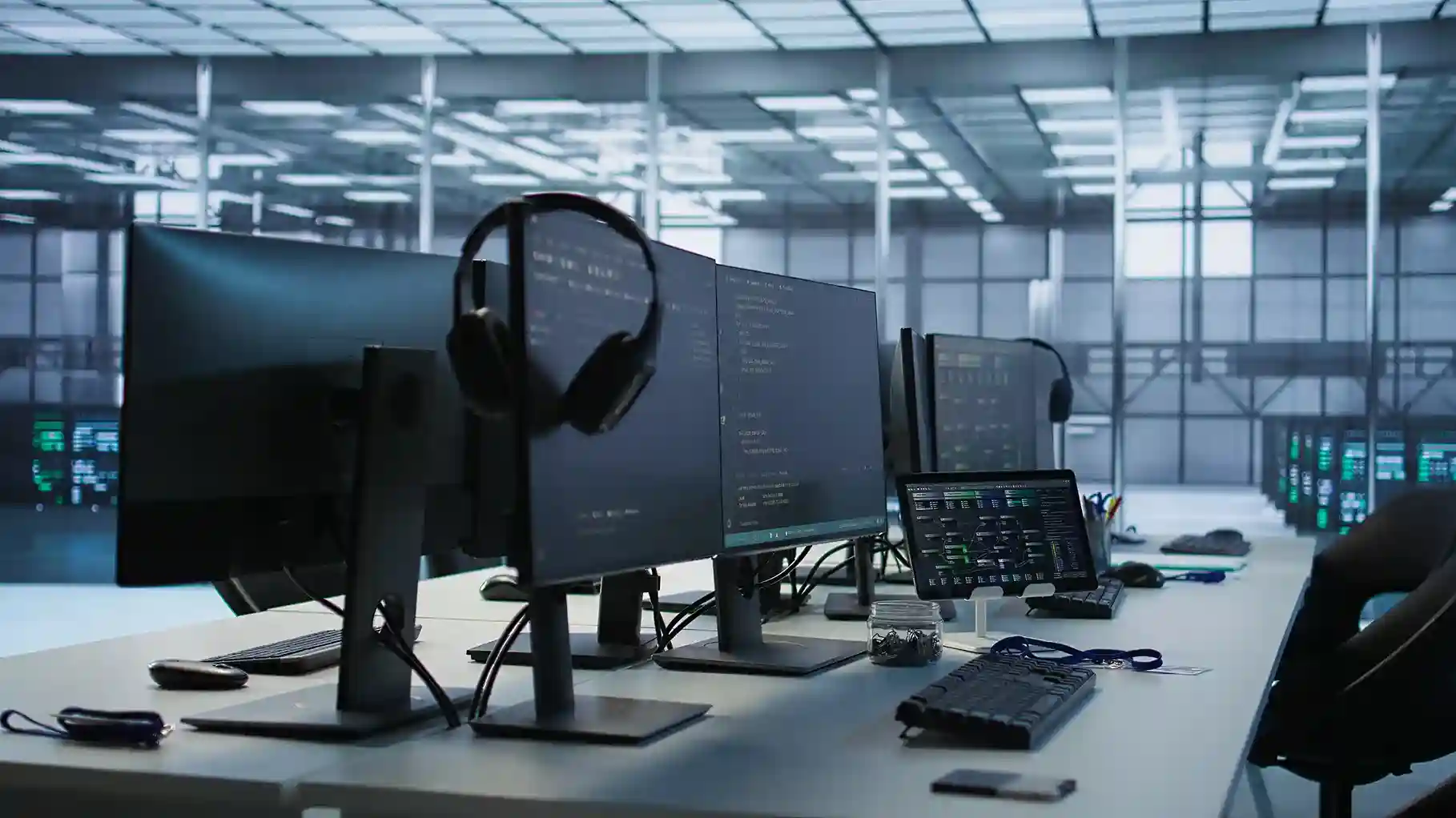
Setting up workstations for new employees may seem like a simple IT task, but when done incorrectly it can lead to productivity delays, security vulnerabilities, and recurring technical issues. Many businesses underestimate the importance of structured workstation deployment until employees start experiencing slow systems, connectivity issues, or configuration problems. That’s why companies increasingly rely on professional IT support and an IT annual maintenance contract in Dubai to ensure workstations are properly configured, secured, and maintained from day one.
A smart workstation setup strategy ensures employees can start working immediately without technical interruptions. In this article, we explore the best practices for setting up office workstations efficiently while creating a scalable and secure IT environment.
Why Workstation Setup Matters More Than You Think
Employee productivity is directly linked to the performance of their workstation. Poorly configured devices can cause delays in onboarding and reduce efficiency across teams.
Common problems caused by improper workstation setup include:
- Slow system performance
- Missing software tools
- Security vulnerabilities
- Network connectivity issues
- Data access restrictions
A professional workstation deployment strategy prevents these problems and ensures employees have everything they need to perform their tasks efficiently.
Start with a Standardized Workstation Deployment Plan
Consistency is the key to efficient workstation setup. Instead of configuring every device manually, businesses should create standardized workstation templates.
This includes:
- Operating system configuration
- Required business applications
- Security software
- User access permissions
- Network connectivity settings
Standardization simplifies management and reduces troubleshooting time. Many companies implementing structured IT solutions in Dubai rely on standardized deployment processes to maintain system stability across departments.
Choose the Right Hardware for Employee Roles
Not all employees require the same hardware configuration. Workstation performance should align with job requirements.
For example:
- Designers and engineers require high-performance processors and GPUs
- Finance teams may need secure data processing environments
- Sales and support teams require reliable communication tools
Planning hardware requirements carefully prevents overspending while ensuring employees receive the performance they need.
Secure Workstations from the Beginning
Cybersecurity must be integrated into workstation setup from the start. Improperly configured devices can create vulnerabilities that attackers exploit.
Security best practices include:
- Installing endpoint protection software
- Enabling firewall configurations
- Implementing access control policies
- Encrypting sensitive data
- Configuring secure remote access
Businesses that integrate these protections into their workstation deployment benefit from stronger security and reduced cyber risks.
Read: Workstation Security Checklist
Connect Workstations to a Reliable Network Infrastructure
A workstation is only as effective as the network it connects to. Reliable connectivity ensures employees can access company resources without delays.
Key infrastructure components include:
- High-speed network connectivity
- Structured cabling systems
- Secure WiFi access points
- Server connectivity
- Cloud access configuration
These elements are often implemented as part of new office IT infrastructure setup projects to ensure the workplace operates smoothly from the beginning.
Automate Software Deployment
Manually installing software on every workstation wastes valuable IT time. Automation tools allow businesses to deploy applications quickly and maintain consistency.
Benefits of automated deployment include:
- Faster employee onboarding
- Reduced configuration errors
- Simplified updates and patches
- Centralized management
Automation also allows IT teams to scale workstation deployments efficiently as the company grows.
Maintain Workstations with Proactive IT Support
Setting up a workstation is only the first step. Ongoing maintenance is essential to keep systems secure, updated, and optimized.
Regular maintenance tasks include:
- Software updates and patch management
- Performance monitoring
- Hardware health checks
- Security vulnerability scanning
- Backup and recovery testing
This is where professional IT amc services play a critical role. With continuous monitoring and preventive maintenance, businesses can avoid unexpected downtime and keep employee systems running smoothly.
Improve Onboarding Experience for New Employees
A well-prepared workstation significantly improves the onboarding experience. New employees should be able to log in, access tools, and start working immediately without waiting for IT support.
A proper setup includes:
- Pre-configured login credentials
- Installed productivity tools
- Access to internal platforms
- Email and communication systems
- Cloud storage access
Smooth onboarding improves employee satisfaction and reduces delays in productivity.
Plan for Scalability as the Business Grows
Businesses rarely stay the same size. As teams grow, workstation deployment must remain efficient and scalable.
A structured approach ensures:
- New devices can be deployed quickly
- Systems remain consistent across departments
- IT teams can manage multiple endpoints easily
- Infrastructure can support additional users
Companies investing in scalable IT solutions in Dubai benefit from flexible IT environments that support long-term growth.
The Role of Professional IT Infrastructure Management
Managing workstation deployment internally can be challenging for growing businesses. IT teams often struggle to balance daily support tasks with strategic infrastructure planning.
Professional IT infrastructure services provide businesses with expert support for:
- Workstation planning and deployment
- Network infrastructure integration
- Device monitoring and maintenance
- IT security implementation
- Scalability planning
Outsourcing workstation setup and maintenance allows businesses to focus on operations while experts handle the technical complexity.
Why Businesses Choose CubeZix for Workstation Setup
CubeZix provides comprehensive IT infrastructure and workstation management solutions designed to simplify technology operations for businesses.
With proactive maintenance, structured deployment strategies, and scalable infrastructure support, CubeZix ensures employee workstations operate efficiently from the first day of use.
By combining workstation deployment with professional it amc services, CubeZix helps organizations:
- Reduce downtime
- Improve employee productivity
- Enhance system security
- Extend hardware lifespan
- Maintain consistent IT performance
Final Thoughts
Workstation setup is a critical component of business productivity and IT stability. A poorly planned deployment can lead to recurring technical issues, security vulnerabilities, and operational delays.
By adopting a structured approach that includes standardization, automation, security integration, and proactive maintenance, businesses can ensure employees work efficiently from the start.
If your organization is onboarding new employees or planning a new office it infrastructure setup, Cubezix offers the expertise needed to deploy and maintain reliable workstation environments.
Partner with CubeZix today to implement smart workstation setups backed by reliable IT AMC and ensure your workforce always has the technology they need to succeed.